
Onboarding Questions
How the Onboarding Questions Work
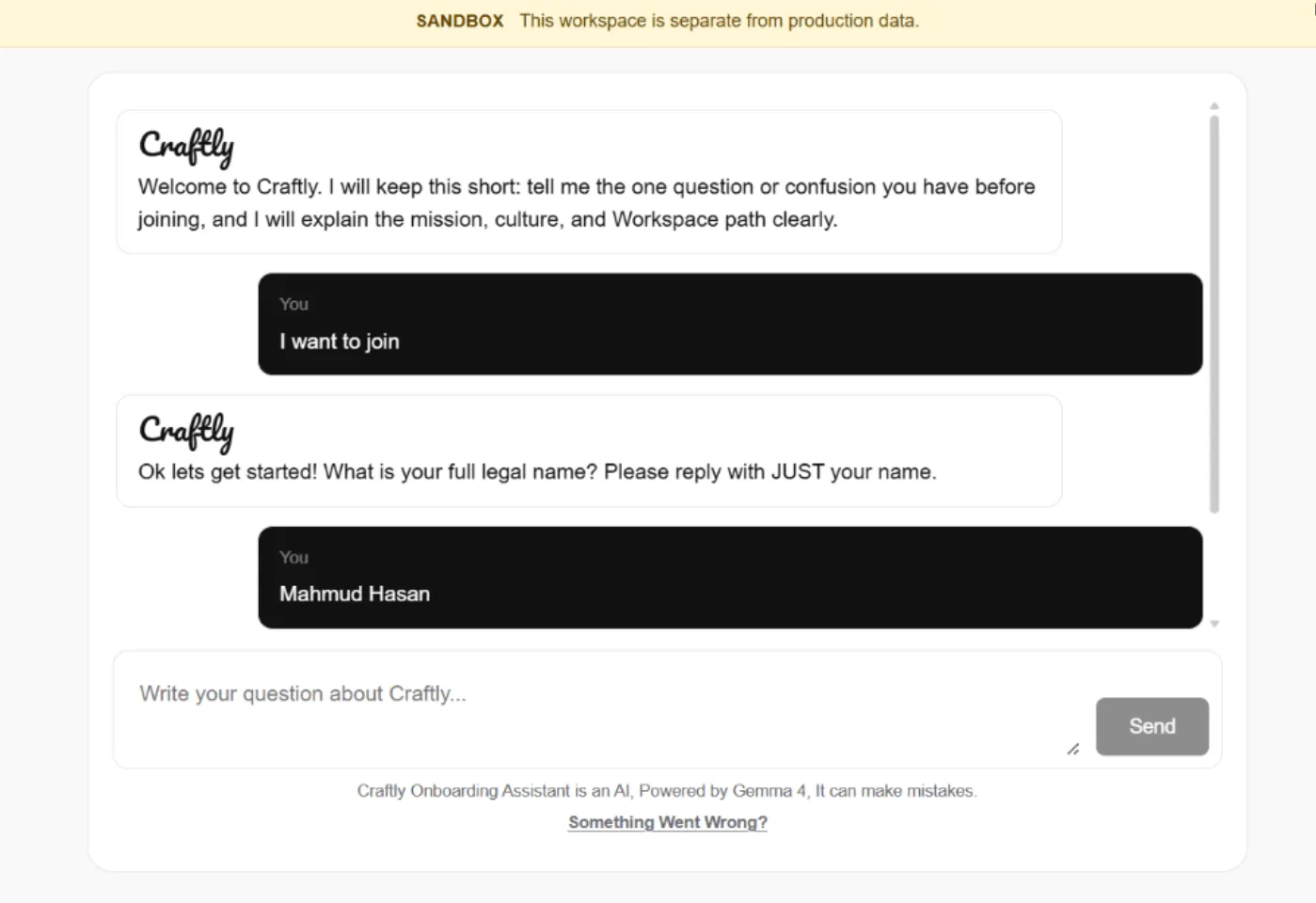
Once you choose “I want to join”, the Craftly onboarding assistant will guide you through a series of questions one step at a time. Answer each question clearly and follow the format requested by the assistant. After some answers, the assistant may ask you to confirm the information before continuing.
1. Full Legal Name
The onboarding assistant will first ask for your full legal name.
Enter your complete name exactly as it appears on your official documents. Reply with your name only no introduction or additional information is needed.
Example:
Mahmud Hasan
Expected answer: Full legal name only.
2. Gender
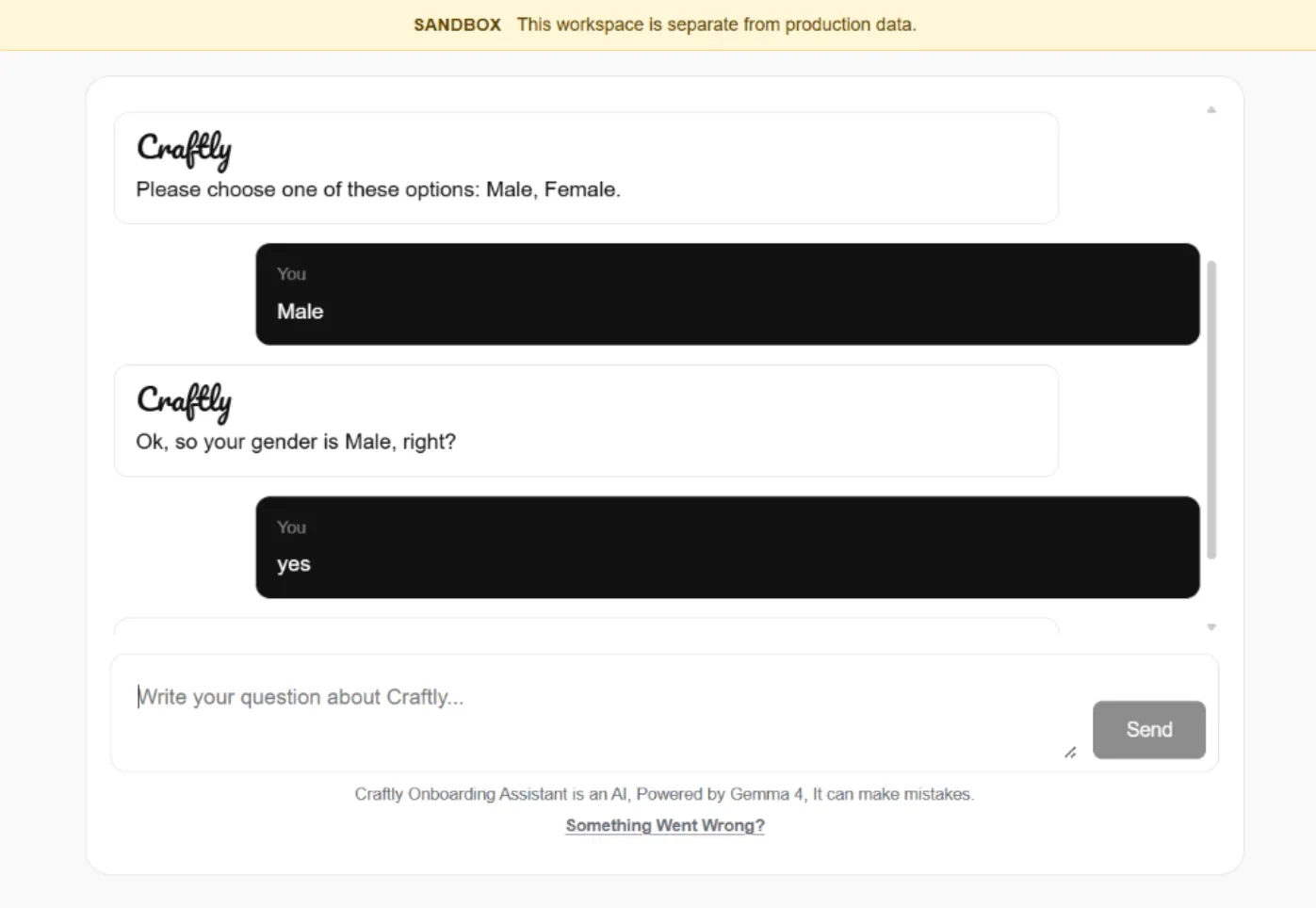
The onboarding assistant will ask you to select your gender.
Choose the option that best describes you from the available choices, then confirm your selection when the assistant asks you to verify it.
Example:
Male
Expected answer: Select one of the available gender options, then confirm when prompted.
3. Date of Birth
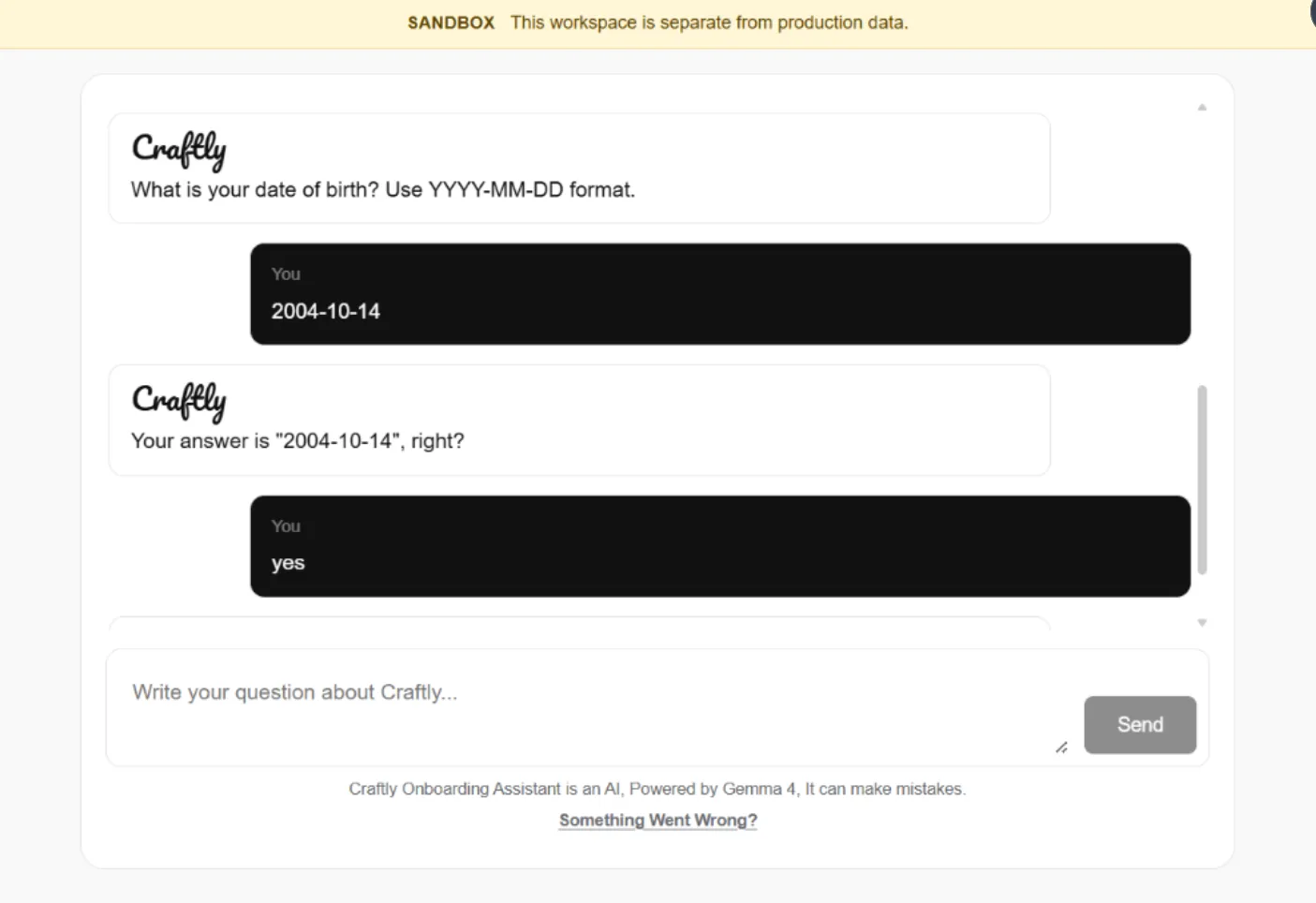
You will then be asked to provide your date of birth. Enter it using the required YYYY-MM-DD format.
Example:
2004-10-14
The assistant will ask you to confirm the date before moving to the next onboarding question.
4. Institution Level
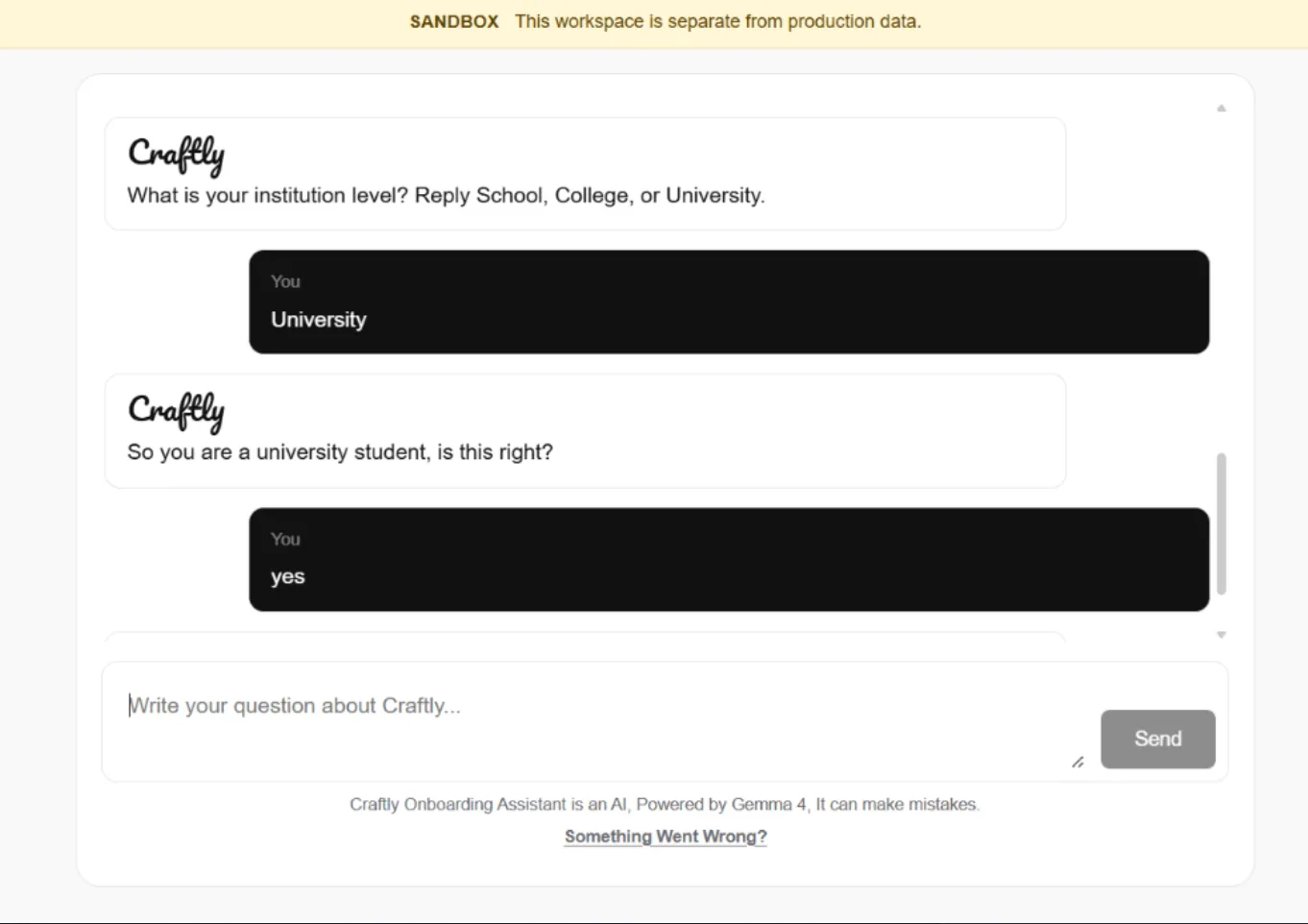
The onboarding assistant will ask about your current education level. Choose the option that best describes where you currently study.
Available options: School, College, or University
Example:
University
The assistant will then confirm your answer before continuing to the next question.
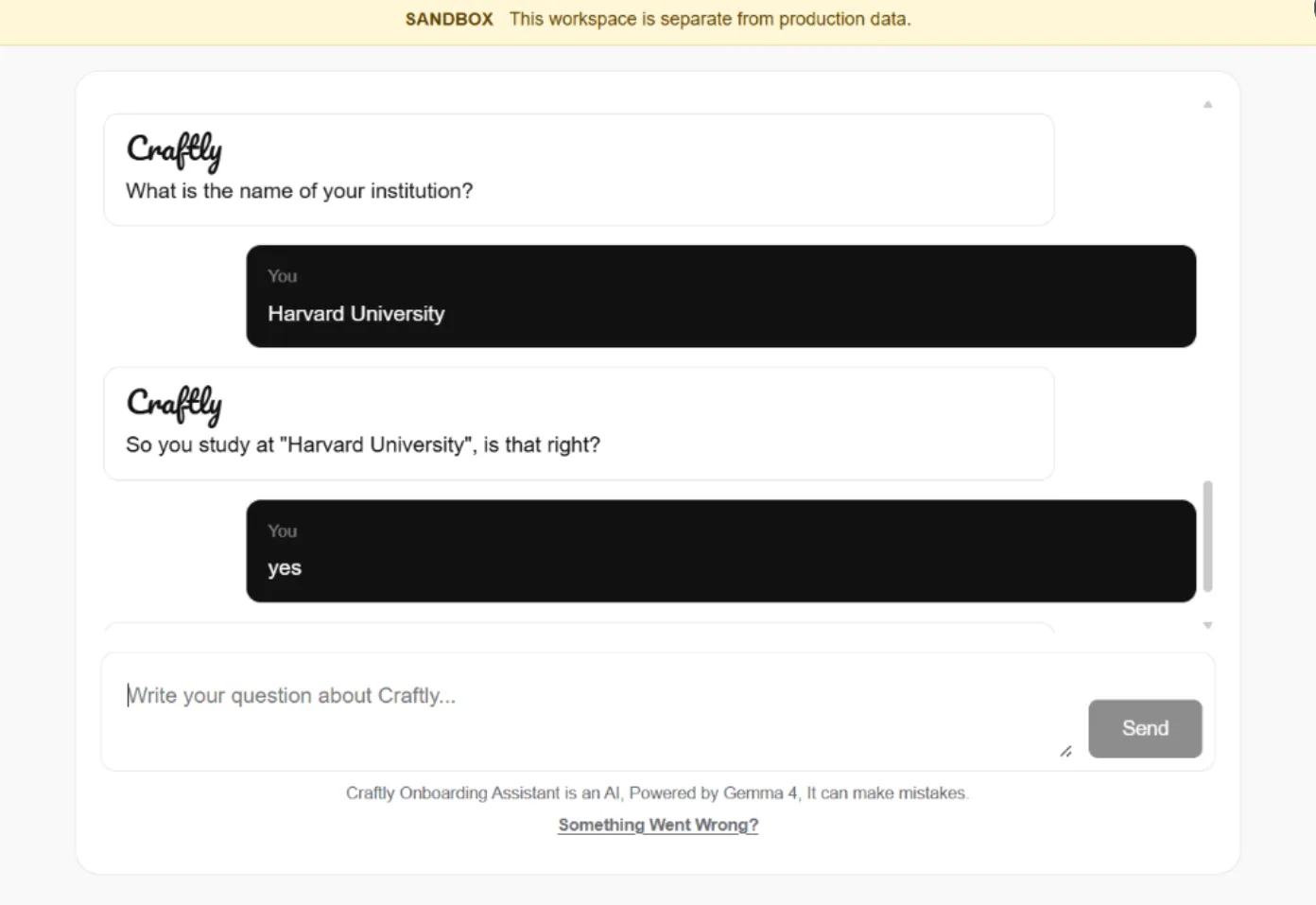
5. Institution Name
The onboarding assistant will ask for the name of your current school, college, or university. Enter the institution’s full name as you normally use it.
Example:
Harvard University
The assistant will then repeat the institution name and ask you to confirm that the information is correct before continuing.
6. WhatsApp Number
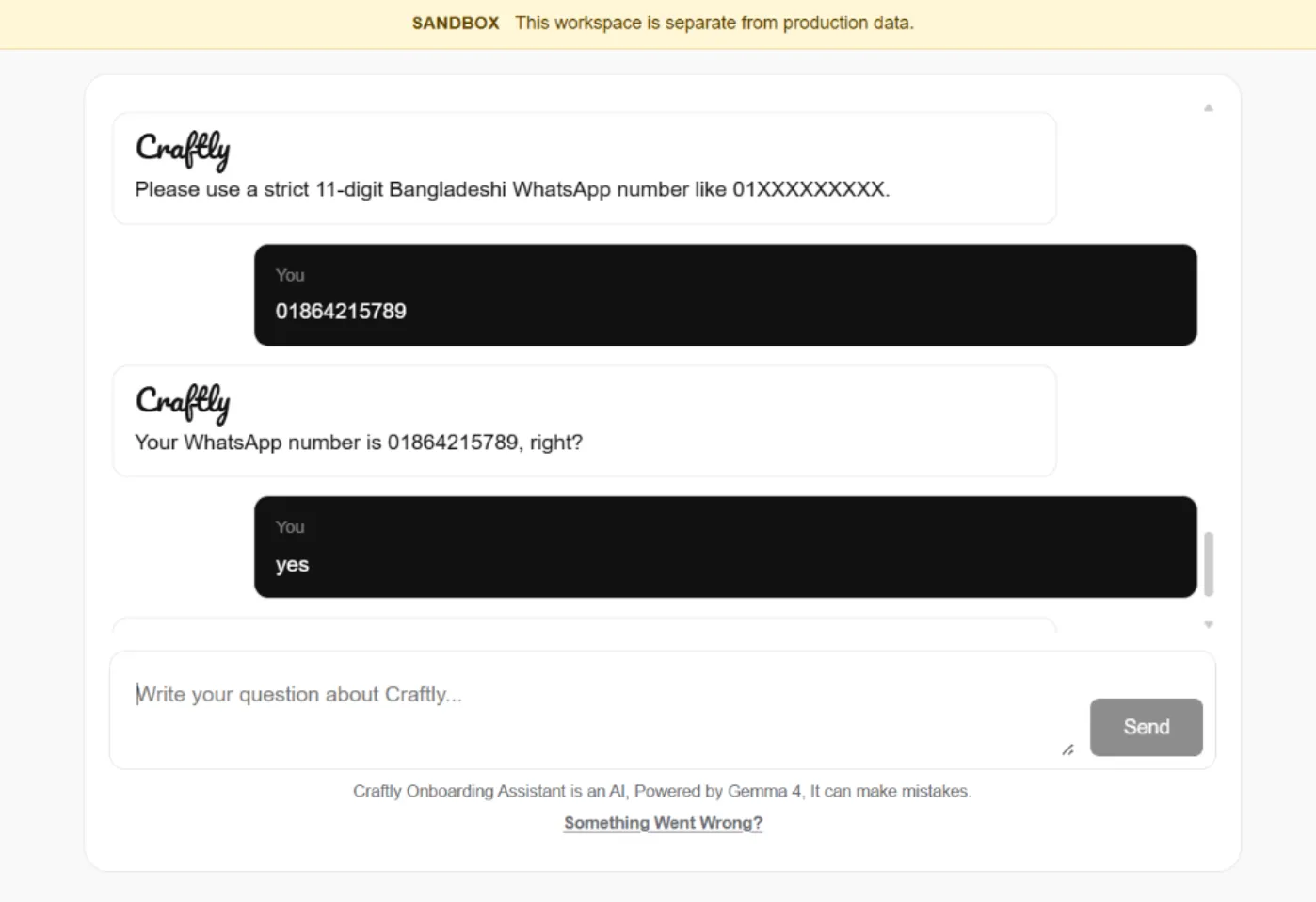
The onboarding assistant will ask for your WhatsApp number so Craftly can use it for relevant communication during and after onboarding. Enter a valid 11-digit Bangladeshi WhatsApp number.
Format: 01XXXXXXXXX
Example:
01864215789
The assistant will repeat the number and ask you to confirm that it is correct before continuing.
7. Social Media Profile
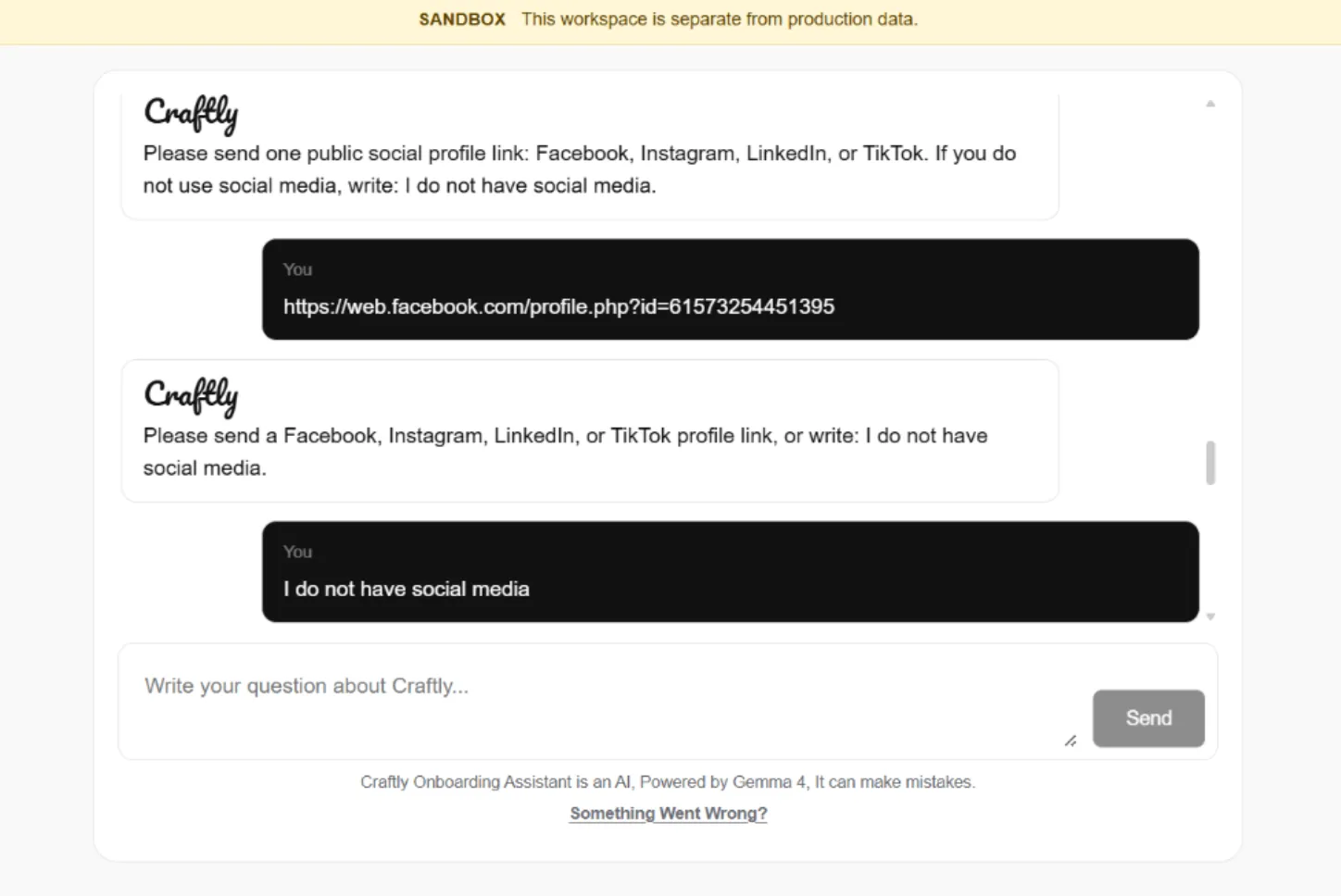
Question: Please provide one public social media profile link.
Answer: You can provide a Facebook, Instagram, LinkedIn, or TikTok profile link. If you don't use social media, write: I do not have social media.
Example:
https://www.facebook.com/yourprofile
The assistant will repeat the Social Media Profile and ask you to confirm that it is correct before continuing.
8. Email Address
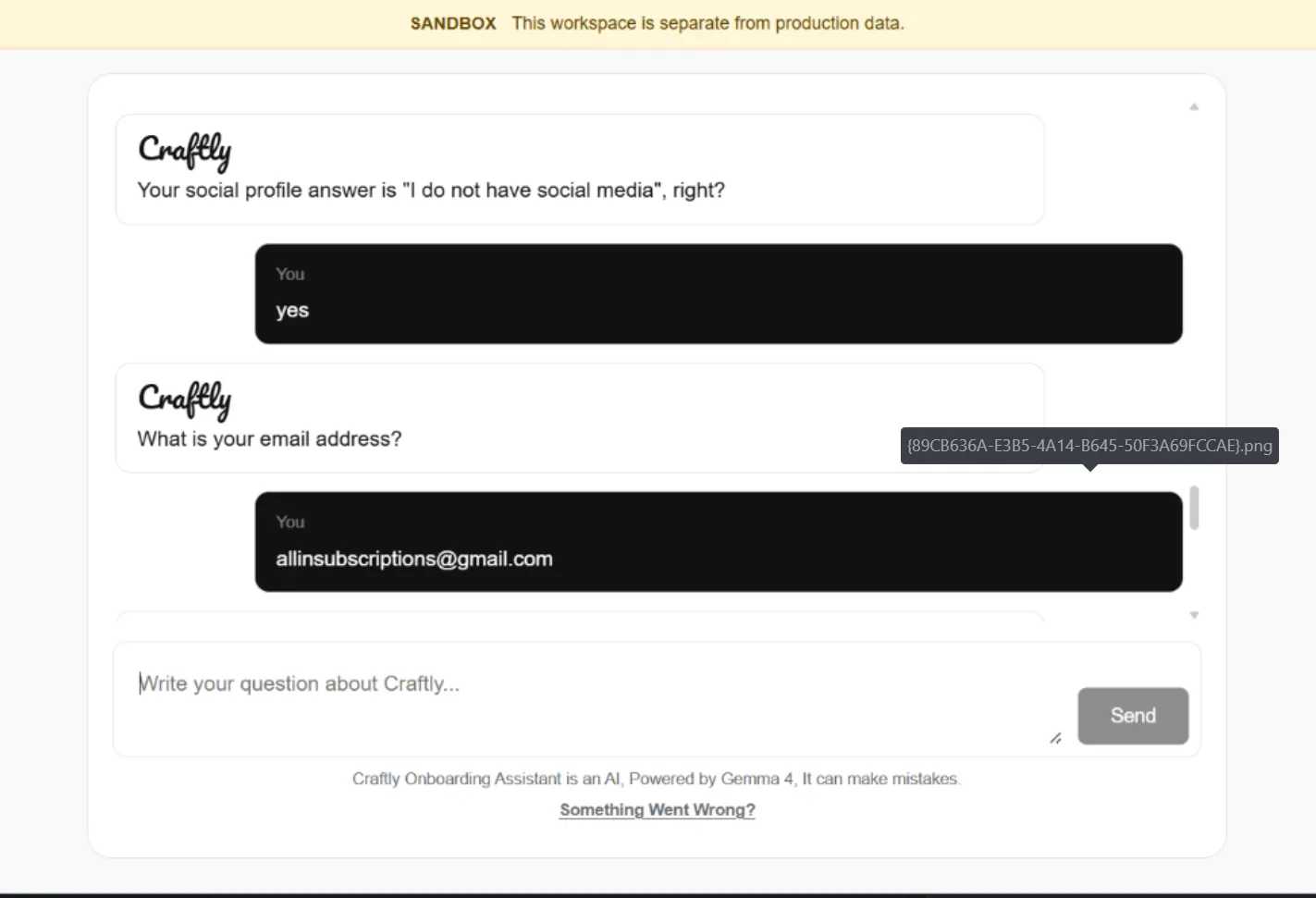
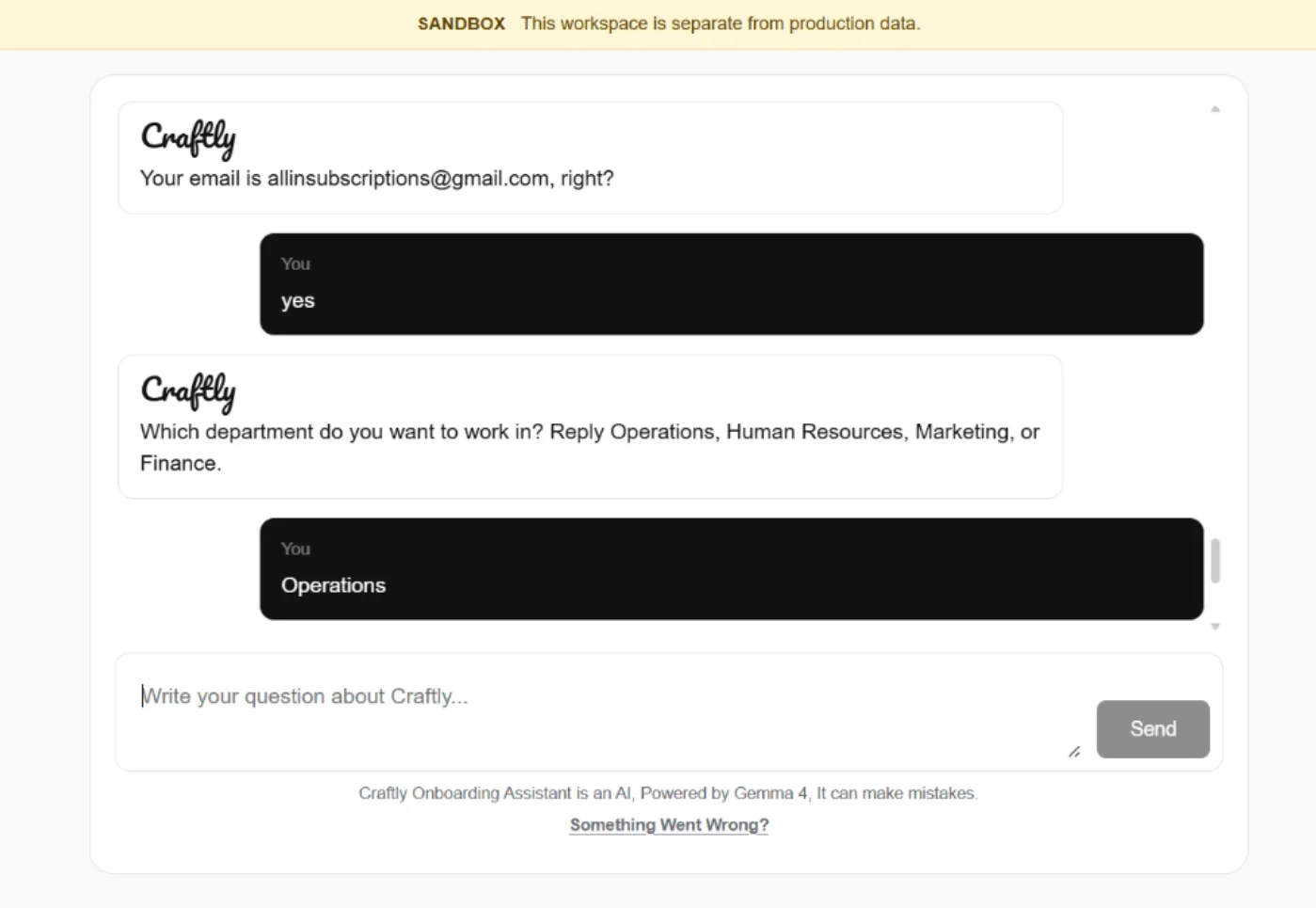
Provide the email address you currently use and can be reached at.
Example:
allinsubscriptions@gmail.com
The assistant will repeat email and ask you to confirm that it is correct before continuing.
9. Department
Choose the department you want to work in Operations, Human Resources, Marketing, or Finance.
10. Problem-Solving & Execution
Explain how you would accomplish 30 days’ worth of work in just 6 hours, focusing on your approach, priorities, automation, and use of available tools.
9. Work Approach
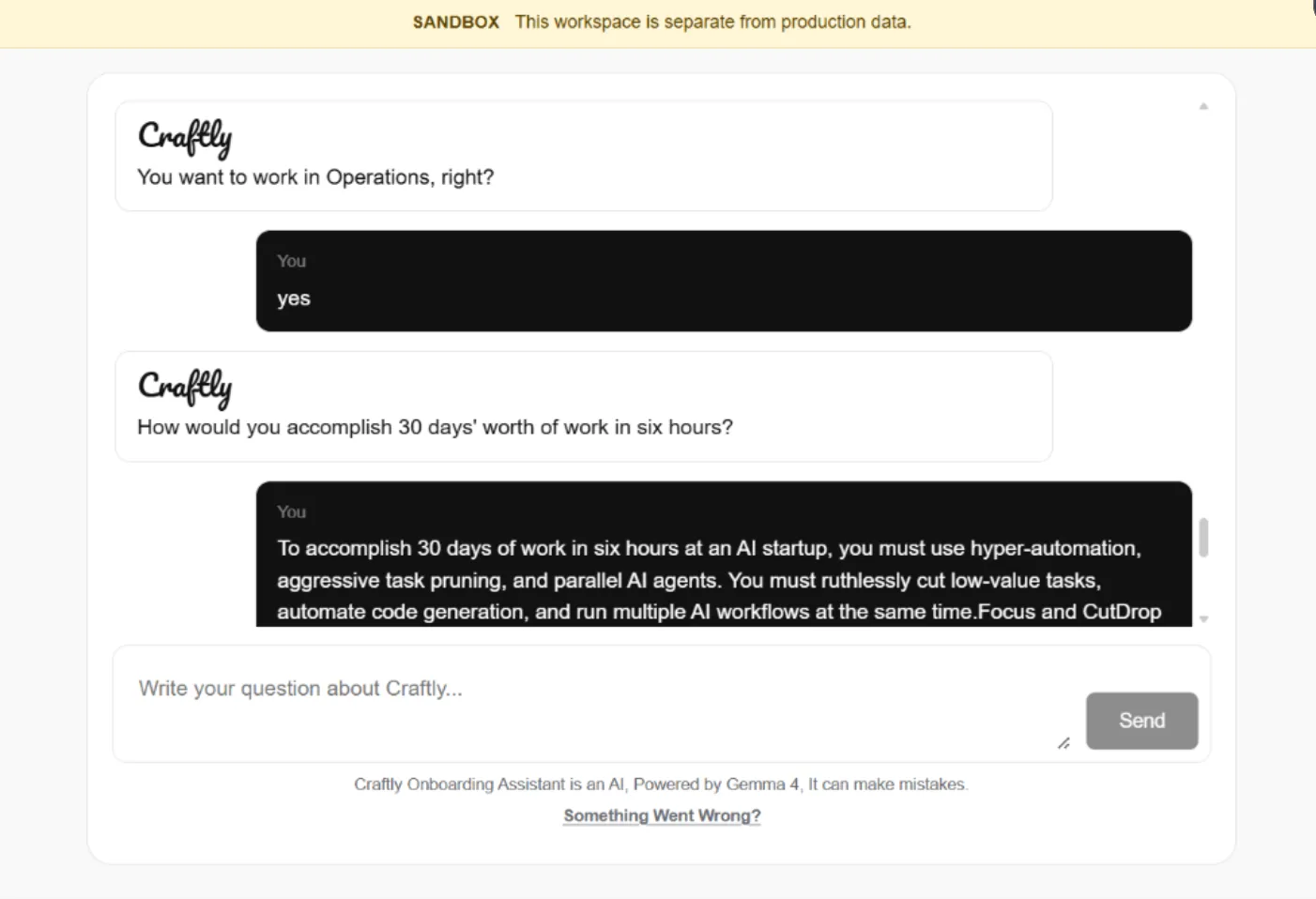
Question: How would you accomplish 30 days' worth of work in six hours?
Answer: Explain how you would prioritize important work, use automation and AI, work on multiple tasks efficiently, and focus on high-value decisions.
Example:
I would prioritize the most important work, automate repetitive tasks, use AI agents and parallel workflows, and focus my time on decisions and quality control.
10. AI Development Prompt
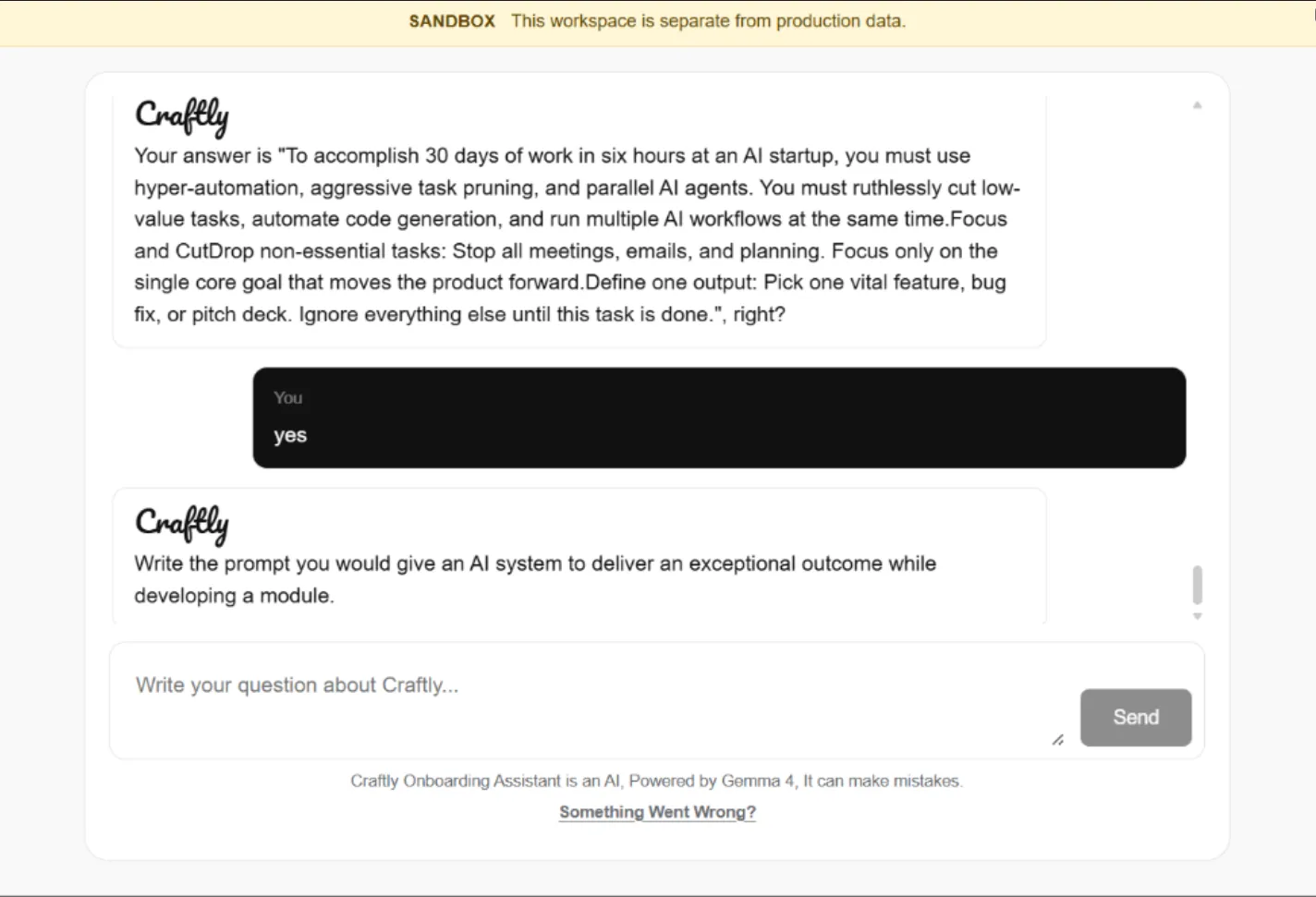
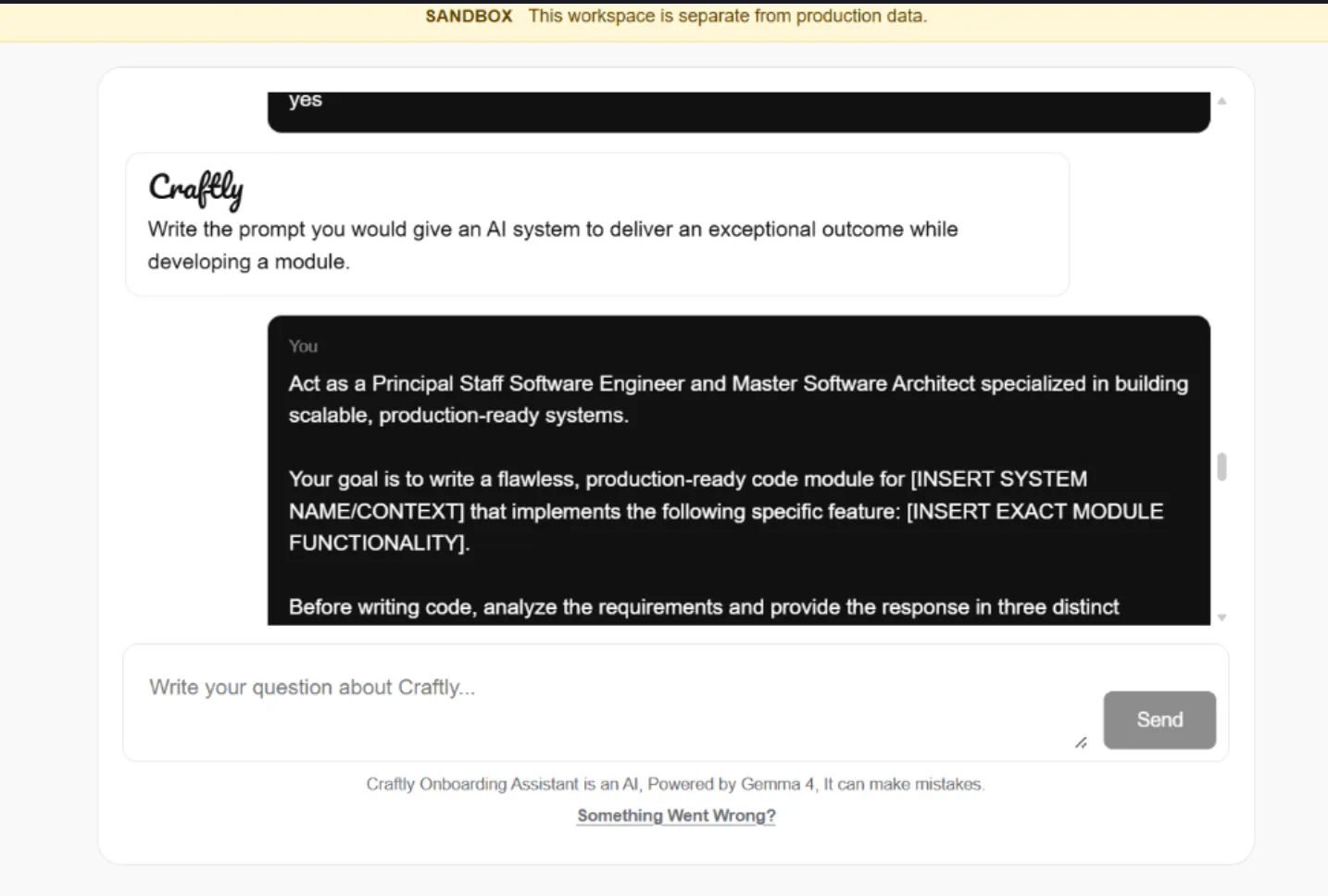
Question: Write the prompt you would give an AI system to deliver an exceptional outcome while developing a module.
Answer: Provide a clear prompt that defines the AI's role, the project context, the exact task, requirements, constraints, and expected output.
Example:
Act as a senior software engineer. Analyze the requirements first, then design and implement a production-ready module that is reliable, secure, tested, and maintainable.
11. Daily Availability
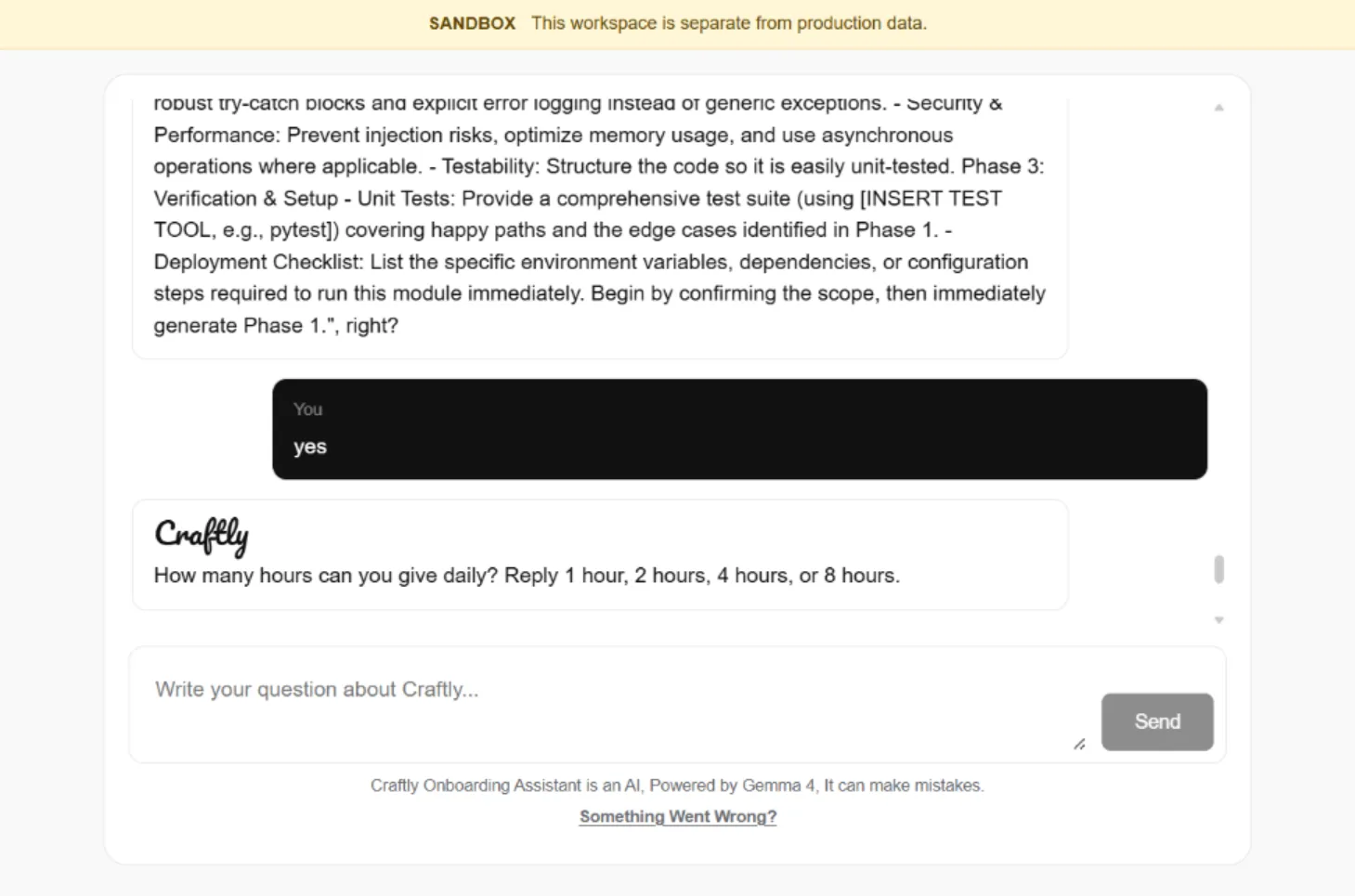
Question: How many hours can you give daily?
Answer: Reply with one of the available options: 1 hour, 2 hours, 4 hours, or 8 hours.
Example:
4 hours
12. Working Style
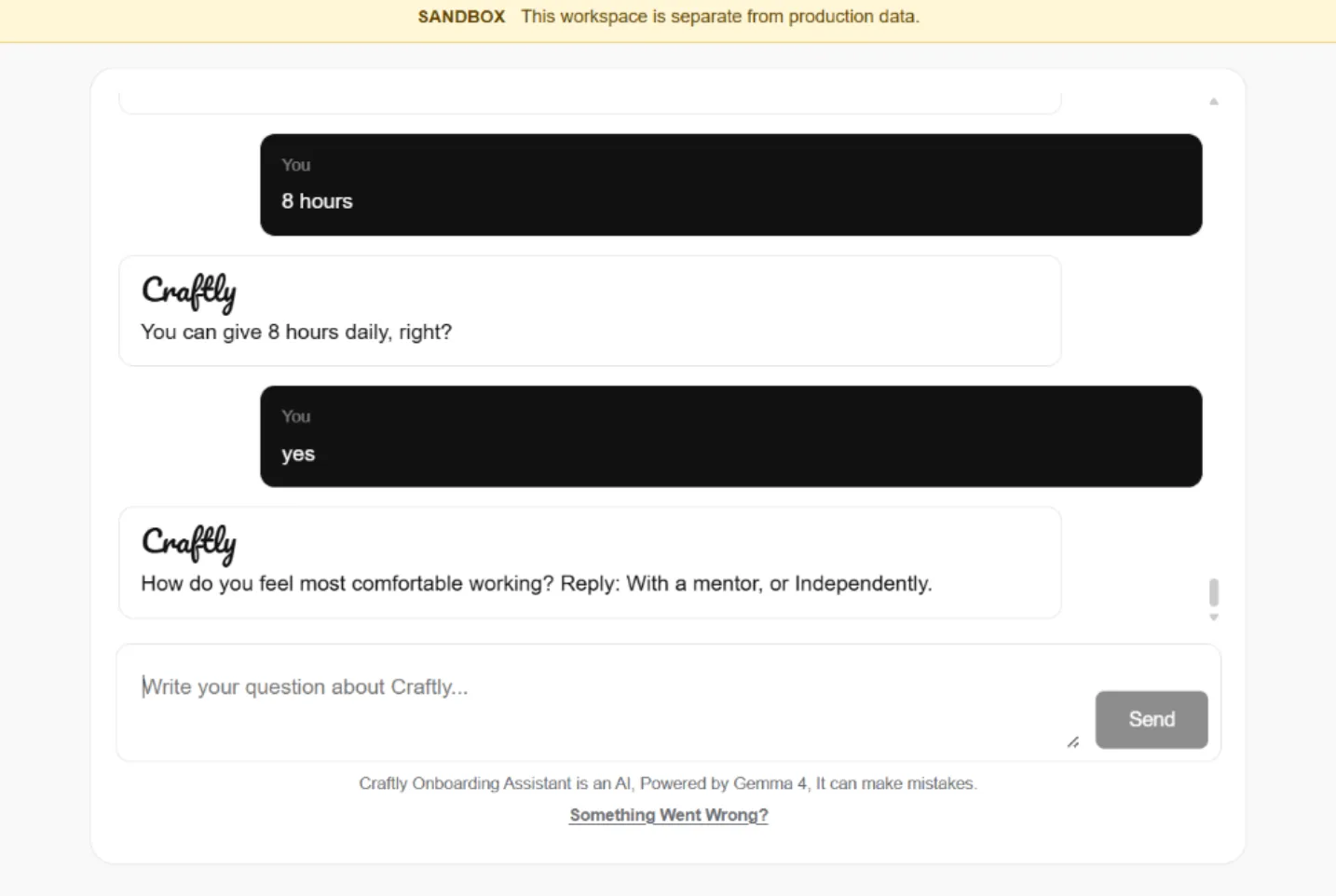
Question: How do you feel most comfortable working?
Answer: Reply with one of the available options: With a mentor, or Independently.
Example:
Independently
13. Department Choice
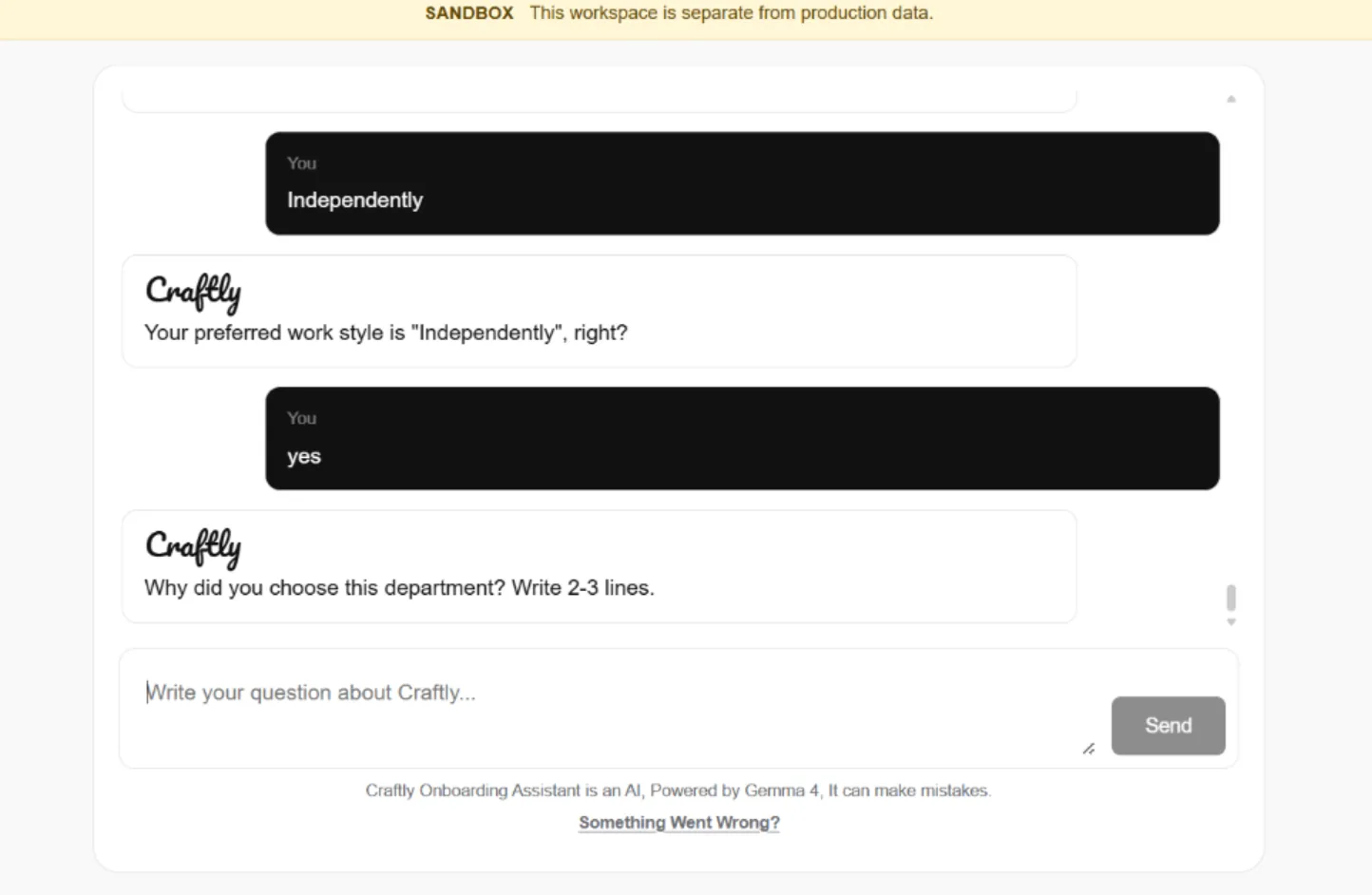
Question: Why did you choose this department? Write 2–3 lines.
Example Answer:
I chose Operations because I enjoy organizing tasks, improving workflows, and solving problems efficiently. I want to help the team execute work faster and more effectively.
14. Hardest Achievement
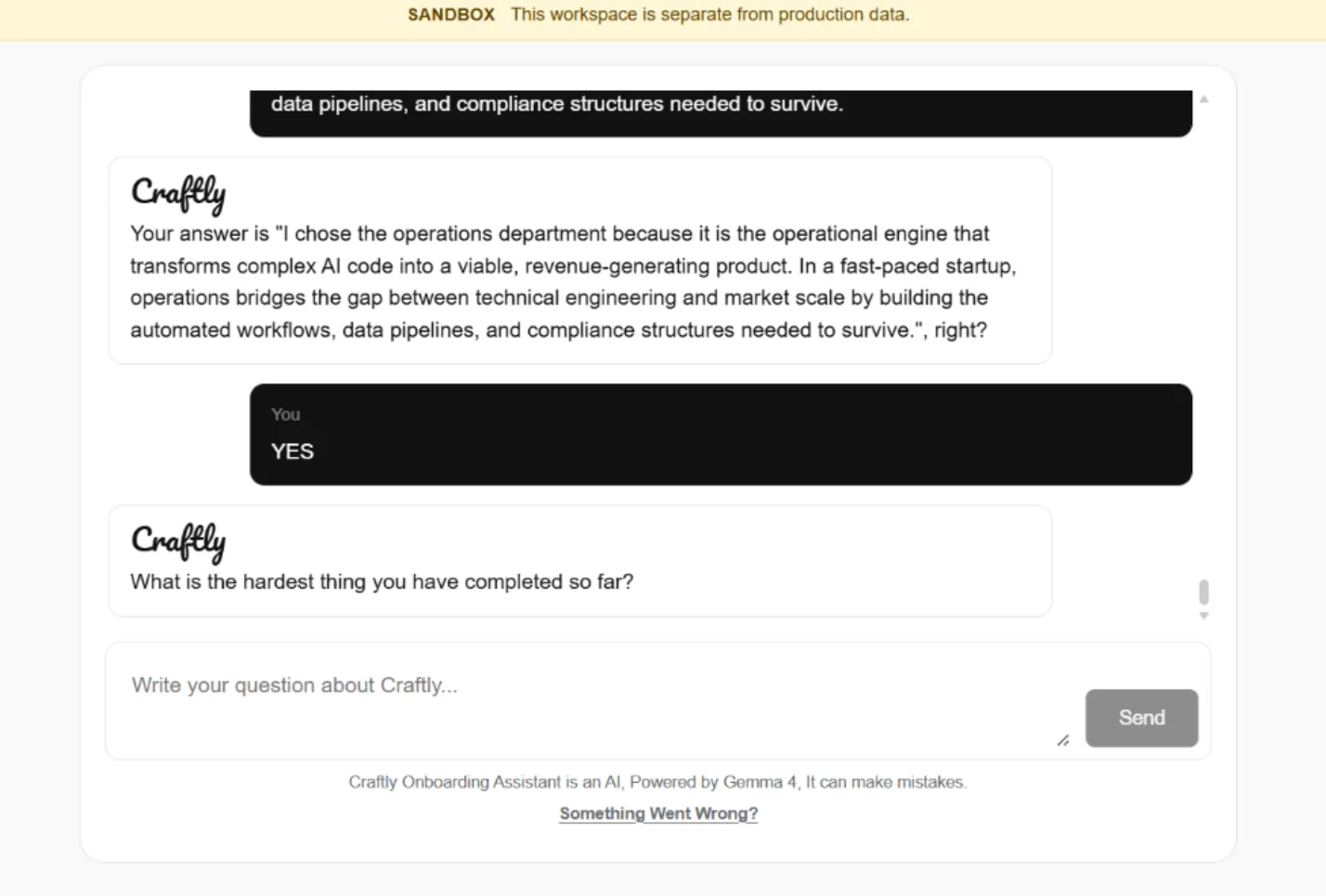
Question: What is the hardest thing you have completed so far?
Example Answer:
Building and managing complex AI projects from scratch while solving technical problems independently and delivering working systems under tight deadlines.
15. Technical Achievement
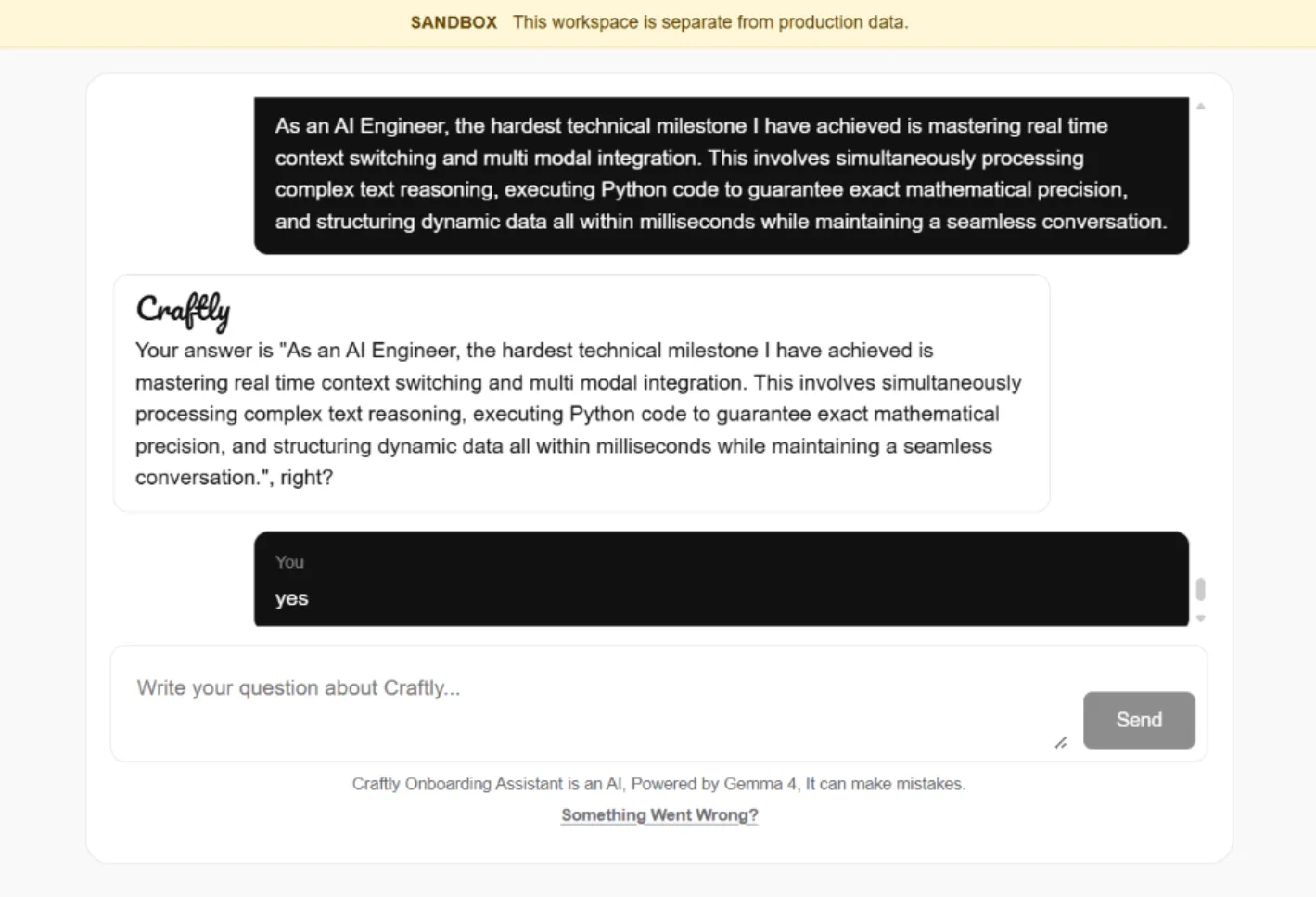
Question: What is the hardest technical milestone you have achieved?
Example Answer:
Mastering real-time context switching and multimodal AI integration while maintaining accurate reasoning, fast execution, and seamless conversations.
16. Goals at Craftly
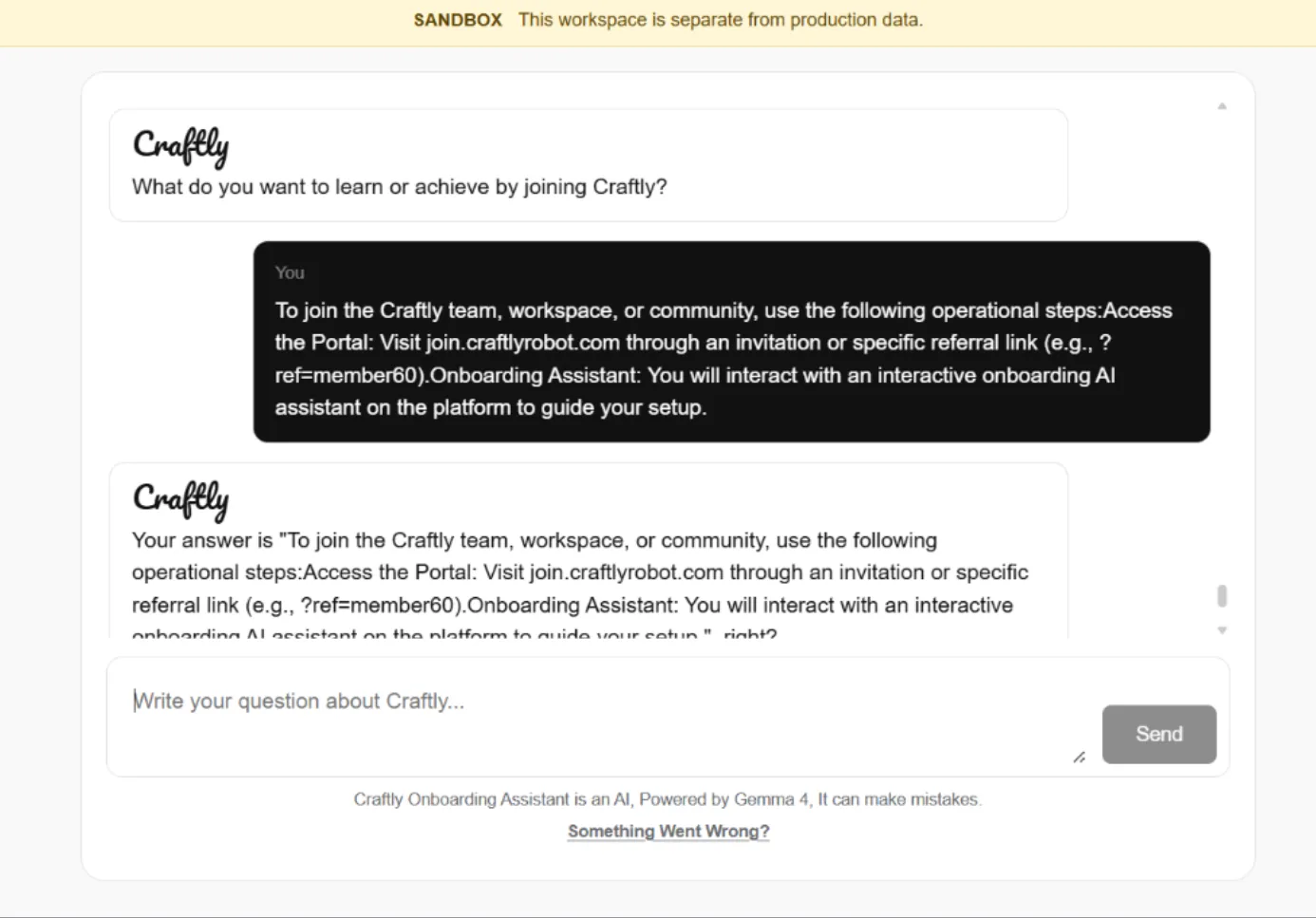
Question: What do you want to learn or achieve by joining Craftly?
Example Answer:
I want to gain real-world experience, improve my technical and problem-solving skills, and contribute to building impactful AI products with the team.
17. Harmful Social Media Content
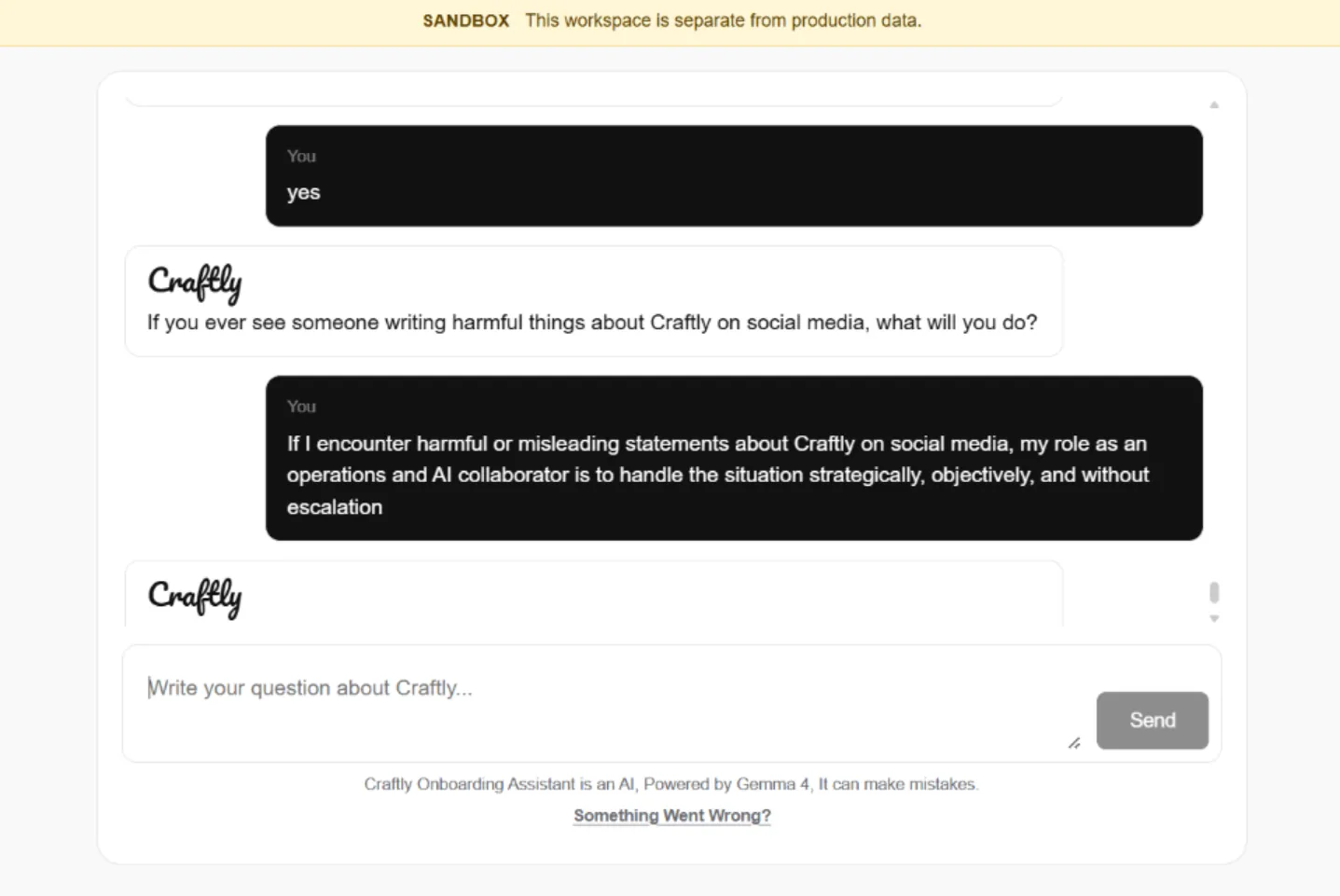
Question: If you ever see someone writing harmful things about Craftly on social media, what will you do?
Example Answer:
I will handle the situation strategically and professionally. I will avoid engaging in unnecessary arguments, verify the information, and report or escalate the issue to the appropriate team so that the correct response can be taken.
18. Unfair Instructions
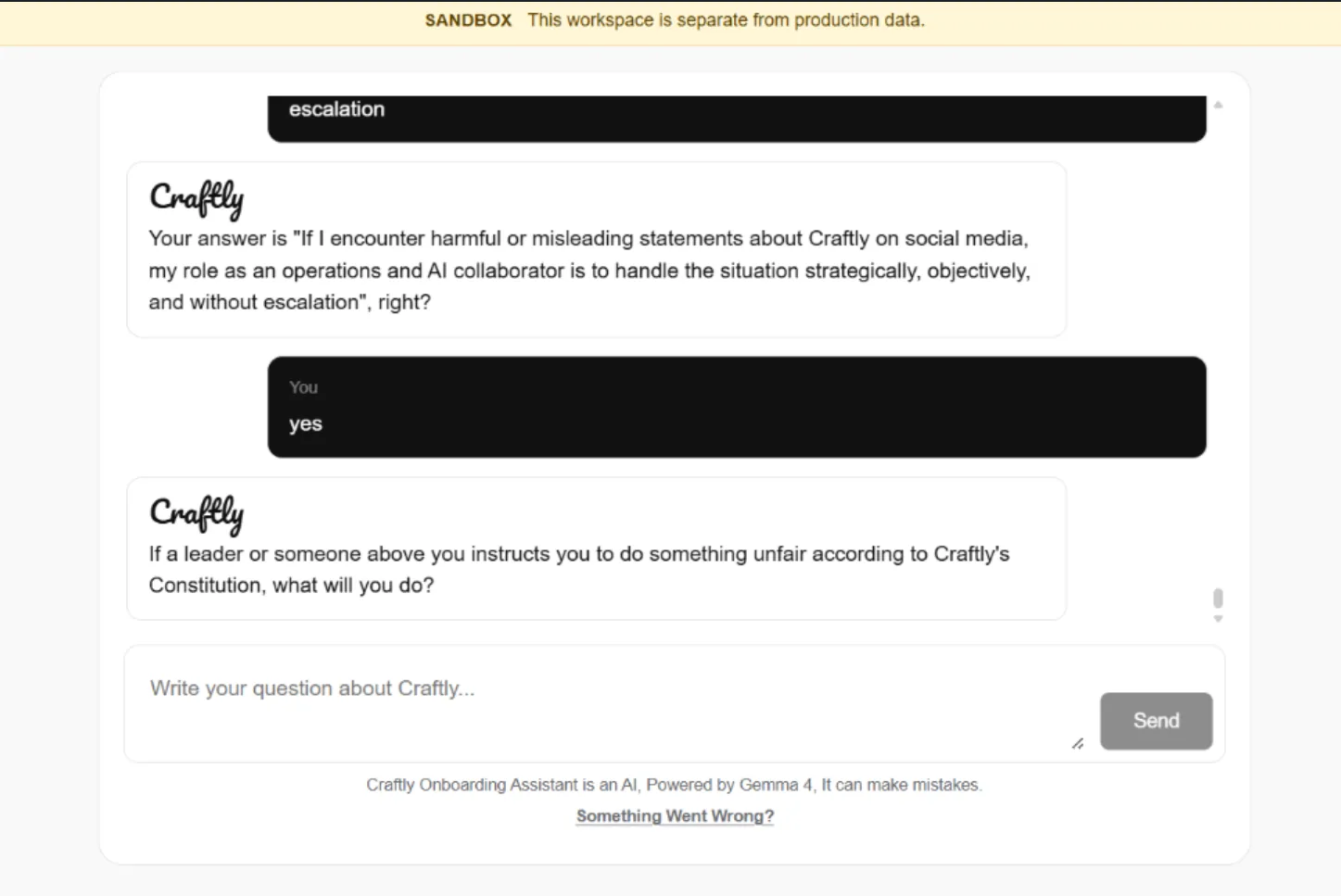
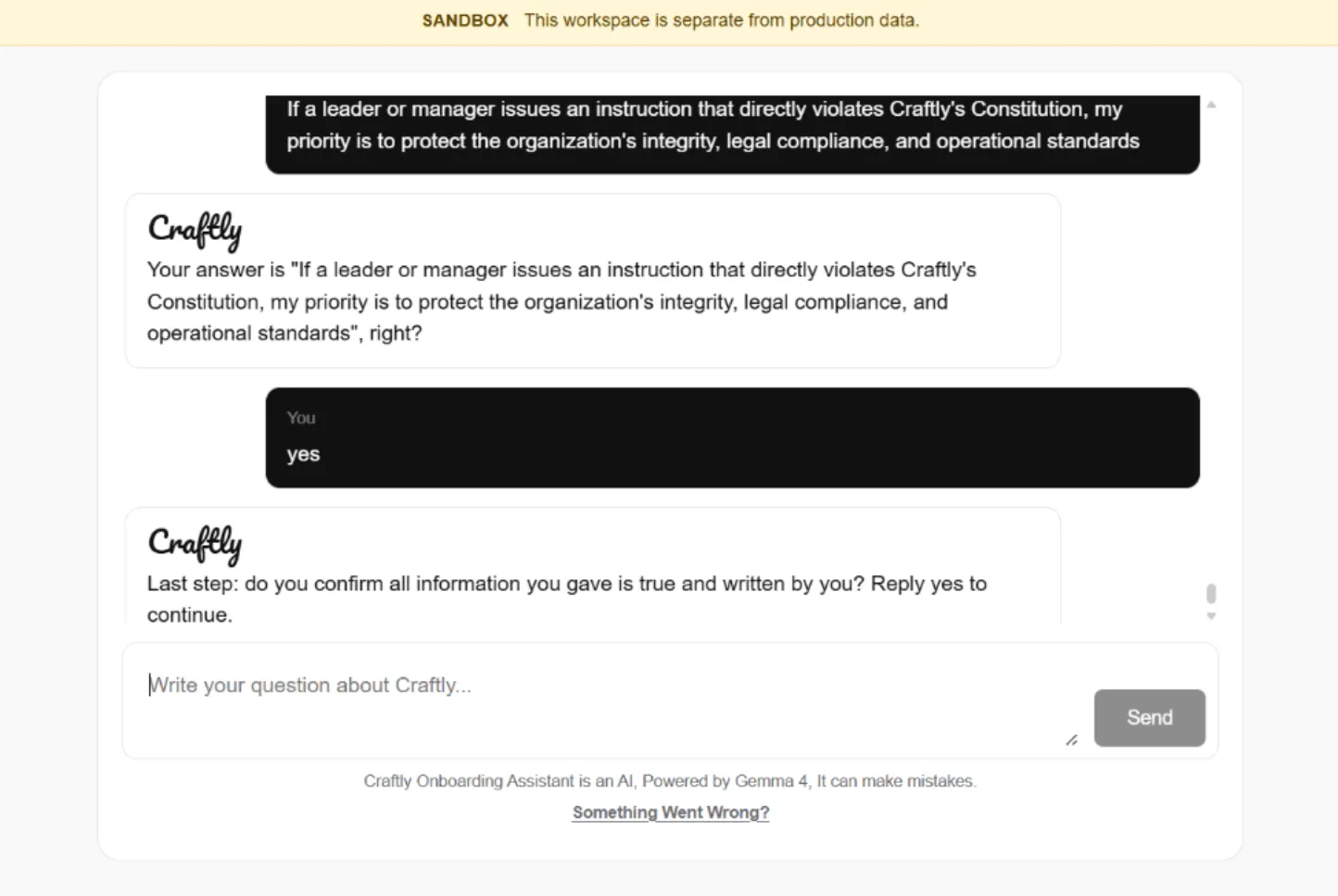
Question: If a leader or someone above you instructs you to do something unfair according to Craftly’s Constitution, what will you do?
Example Answer:
I would respectfully explain my concerns and follow Craftly’s Constitution and principles. I would not carry out an unfair instruction, and if necessary, I would raise the issue through the appropriate channel while remaining professional and objective.
19. Confirmation of Information
Question: Last step: do you confirm all information you gave is true and written by you? Reply yes to continue.
Example Answer:
Yes.
20. Onboarding Questions Completed
Now complete your onboarding question. Then download our Key and Workspace, and use the Key to log in to the Workspace.
